The Home Office Setup Guide: Work Better Without Spending More
By The Deals Editor · Published 10 April 2026 · 5 min read
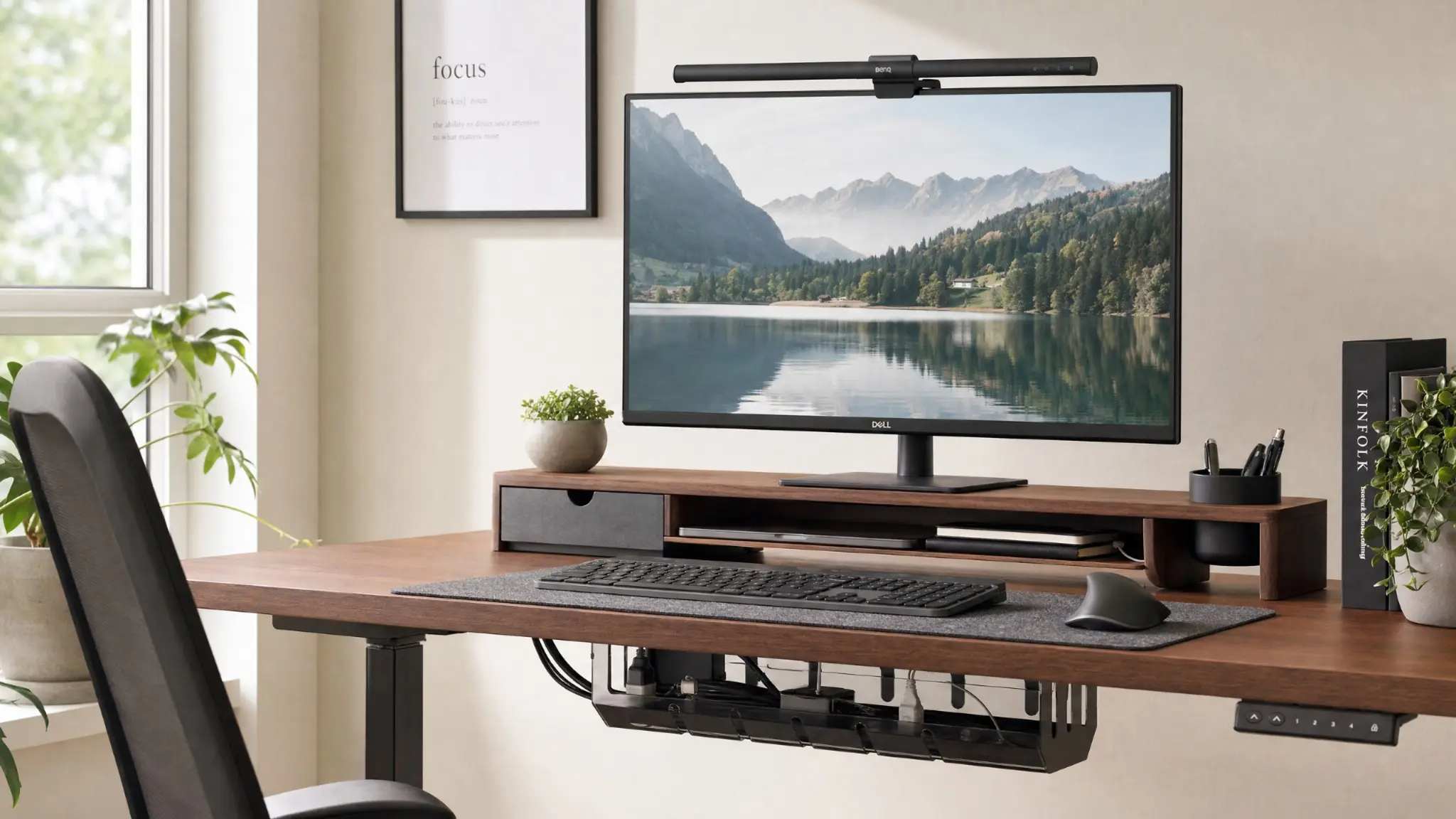
A good home office setup doesn't have to be expensive. The difference between a setup that drains focus and one that supports it comes down to a handful of specific improvements — most of which cost less than a month of daily coffee shop visits.
The monitor situation
Working on a laptop screen alone is the single biggest ergonomic and productivity problem in most home offices. A second monitor — or a monitor riser that brings the laptop screen to eye level — eliminates neck strain and dramatically increases usable screen space. A 24-inch monitor at 1080p can be found for under £120 and transforms the working day.
Keyboard and mouse: the peripherals that matter
A laptop keyboard and trackpad are adequate; a decent external keyboard and mouse are considerably better for extended use. A wireless keyboard removes cable clutter. A mouse with adjustable DPI reduces repetitive strain. The mid-range in both categories — around £30–50 each — outperforms budget significantly.
Desk organisation: less is more
A cluttered desk fragments attention. The most effective desk organisation removes everything that doesn't need to be on the surface. A monitor riser with built-in storage lifts the screen to eye level and creates useful space underneath. A cable management tray underneath the desk eliminates the most common source of visible clutter.
Lighting: often overlooked, always important
Poor lighting causes eye strain and affects on-screen appearance in video calls. A monitor-mounted LED bar provides comfortable task lighting without glare on the screen. A ring light or key light improves video call quality dramatically — relevant for anyone who presents, interviews, or calls regularly.
The ergonomics checklist
Screen at eye level (top of monitor at eye height). Chair height so feet are flat on the floor. Keyboard positioned so elbows are at 90 degrees. Monitor 50–70cm from eyes. These four adjustments eliminate the most common causes of desk-related back, neck, and eye strain.
Shop the edit on Amazon
-
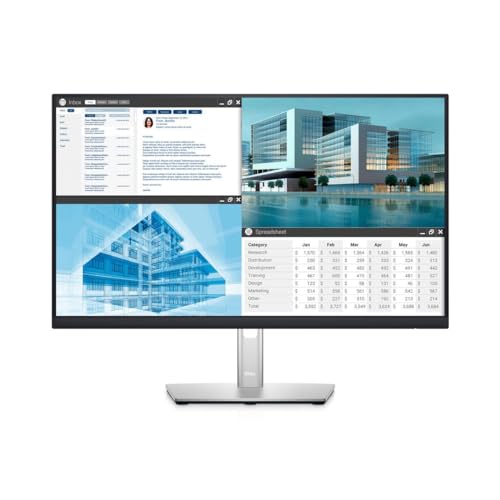 Dell P2422H 24" Full HD Monitor
Sharp IPS panel, adjustable stand, wide colour gamut
-
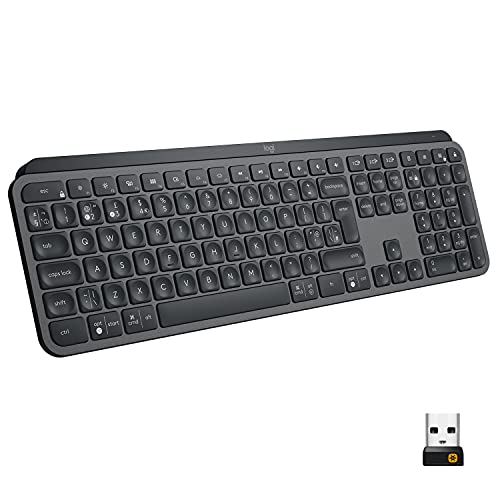 Logitech MX Keys Advanced Wireless Keyboard
Excellent typing feel, multi-device switching, backlit
-
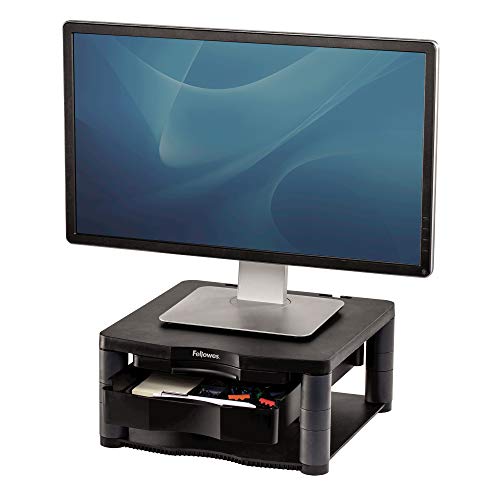 Fellowes Premium Plus Adjustable Monitor Stand
Brings screen to eye level, storage underneath
-
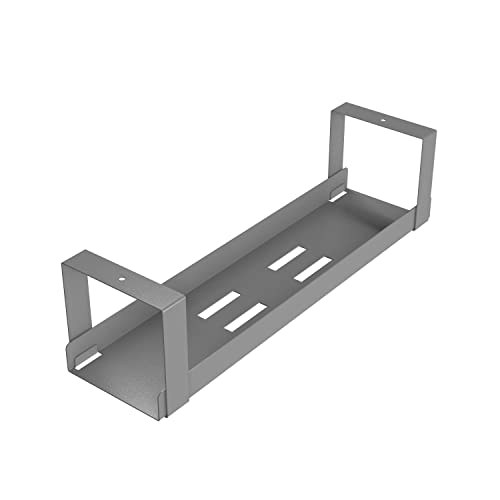 D-Line Under Desk Cable Management Tray
Under-desk cable management tray that keeps wires tidy and off the floor. Easy no-drill installation with adhesive strips or screws.
-
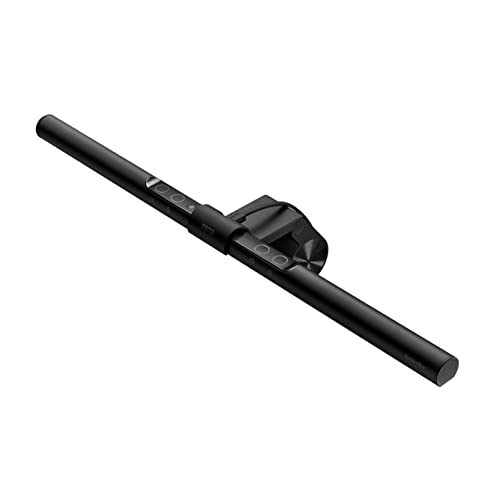 BenQ ScreenBar Monitor Light
No glare on screen, auto-dimming sensor, USB powered
Frequently asked questions
Is a second monitor worth it for home working?
Yes — consistently one of the highest-rated productivity improvements among home workers. Research suggests dual monitors increase productivity by 20–30% for tasks involving reference material, communication, and multitasking. A used or refurbished monitor from Amazon Renewed is a cost-effective option if new is out of budget.
What's the most important ergonomic adjustment to make first?
Screen height. The top of your monitor should be at approximately eye level — most people have screens too low, causing sustained neck flexion. A monitor riser or adjustable monitor arm costs £20–60 and eliminates the most common cause of desk-related neck and upper back pain.
Do I need a dedicated office chair or will any chair do?
For occasional home working, most chairs are adequate. For four or more hours per day, a chair with adjustable lumbar support, seat height, and armrests makes a meaningful difference to comfort and posture. This doesn't require a Herman Miller budget — there are solid options from £150–250 that provide most of the ergonomic benefit.
As an Amazon Associate, The Deals Edit earns from qualifying purchases.